


WatchSnap: Snapcode Access on iPhone
The WatchSnap application is a specialized tool designed for iPhone users seeking seamless access to Snapcode functionality. Built for iOS, this software enables users to interact with Snapcodes directly from their mobile devices, streamlining the process of sharing and scanning digital codes. It belongs to the Social Networking category, reflecting its role in enhancing digital communication and social connectivity.
The app is particularly useful for individuals who frequently exchange content through Snapchat or related platforms, offering a dedicated interface for Snapcode management. Target users include social media enthusiasts, content creators, and professionals who rely on quick, efficient sharing methods. The developer, Afraz Siddiqui, has designed this application with a focus on usability and direct functionality.
Real-world scenarios include sharing personal or business Snapcodes at events, in marketing materials, or during social interactions. The app supports multiple languages, including English, Spanish, French, German, Japanese, and others, ensuring accessibility for a global user base. It is a full version program, meaning all features are available without trial limitations.
Key Features & Capabilities
- Direct Snapcode Interaction – Enables users to scan and generate Snapcodes directly from their iPhone, eliminating the need for third-party tools or web-based services.
- Multi-Language Support – Offers interface availability in Greek, English, Chinese, Catalan, Italian, Czech, Spanish, Russian, Dutch, Portuguese, Turkish, Polish, French, German, Danish, Finnish, Japanese, Korean, and Swedish, enhancing accessibility across diverse regions.
- Full Version Access – The application is released as a complete version with no feature restrictions, ensuring all tools are available from the start.
- Optimized for iOS Devices – Designed specifically for iPhone, leveraging native capabilities for smooth performance and integration with the operating system.
- Fast Code Processing – Facilitates rapid scanning and generation of Snapcodes, ideal for time-sensitive interactions such as event check-ins or on-the-go content sharing.
These features are particularly beneficial in scenarios where quick access to digital identifiers is essential. For example, a content creator can generate a Snapcode for their Snapchat profile during a live event, allowing attendees to connect instantly. Similarly, a business professional can embed a Snapcode in a digital flyer to drive engagement. The app’s focus on direct functionality ensures minimal user friction, making it efficient for both casual and frequent users.
User Interface, Workflow & Performance
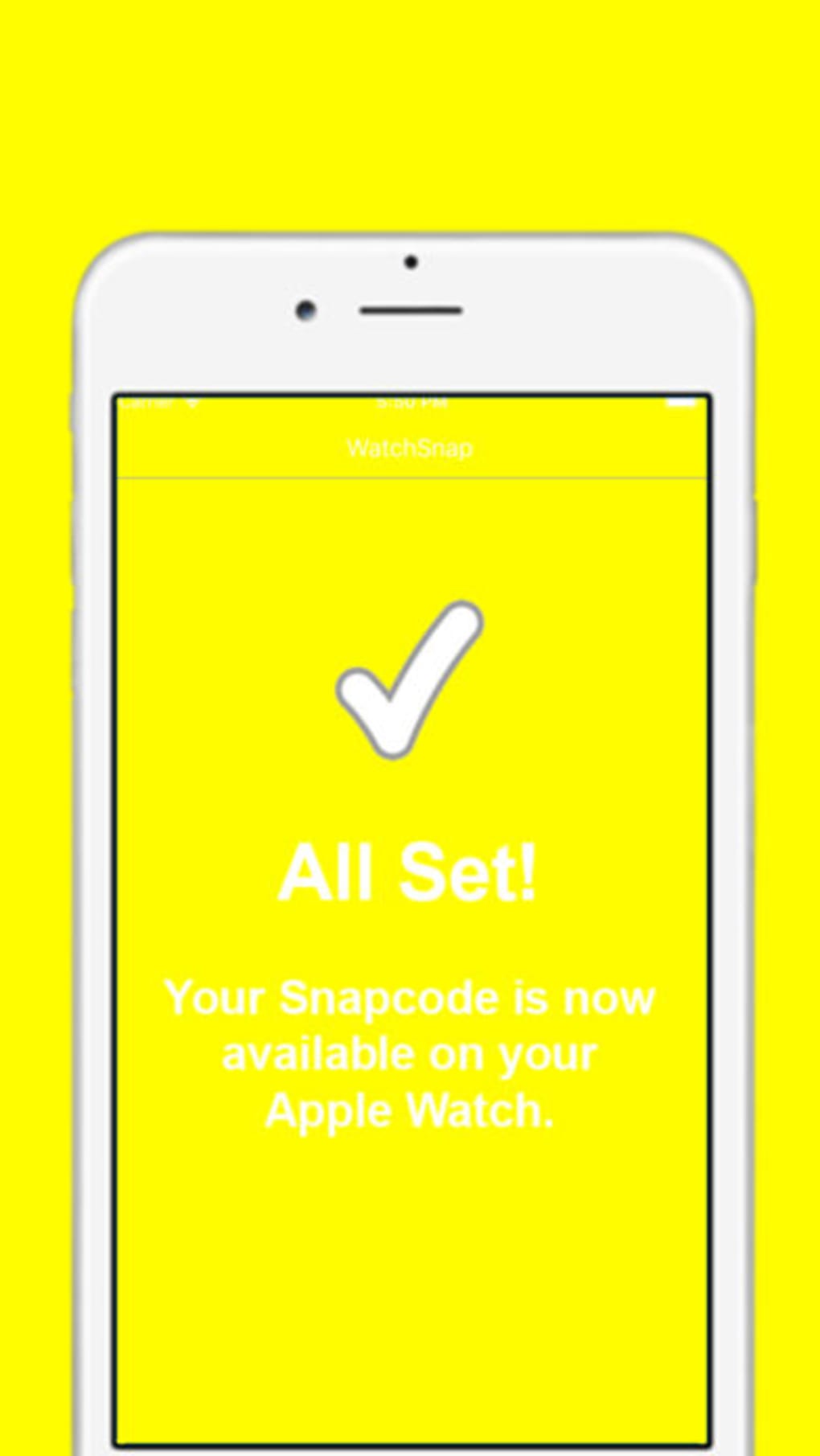
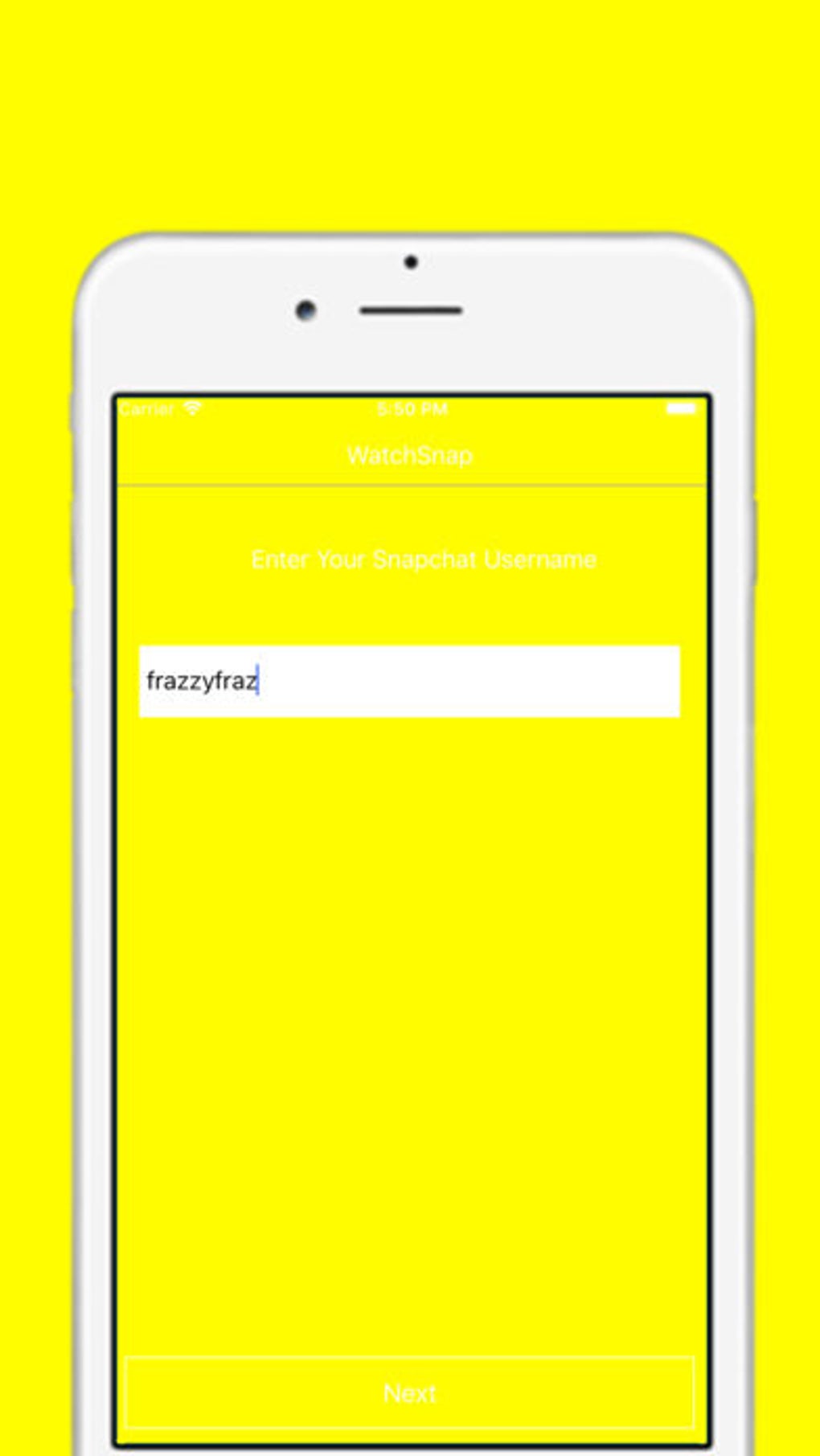
The user interface of WatchSnap is designed with simplicity and efficiency in mind. Navigation is intuitive, with a clean layout that prioritizes core functions such as scanning and generating Snapcodes. The app’s workflow is streamlined, allowing users to access key features with minimal taps.
Upon launching, the interface presents a central camera view for scanning and a prominent button for creating new Snapcodes. The design aligns with iOS standards, ensuring familiarity for iPhone users. While specific performance metrics such as CPU or RAM usage were not disclosed, the app is built to operate within the native iOS environment, which typically ensures stable performance.
The developer did not specify resource usage details, so general expectations based on similar applications apply. Stability appears consistent, with no reported issues in the release notes. The app’s lightweight nature, at 45.2 MB, suggests efficient memory management, though actual behavior may vary based on device hardware and background processes.
Compatibility & System Requirements
WatchSnap is designed exclusively for iOS devices, ensuring compatibility with iPhones running the supported operating system version. The software version is 1.0.2, indicating a stable release with potential bug fixes and improvements. The installation size is 45.2 MB, which is relatively modest for a full-featured application.
The developer did not provide additional system requirements, so exact hardware specifications such as minimum RAM or processor type remain unspecified. Compatibility information was partially provided, focusing only on the operating system and version. Users should ensure their iPhone is running a compatible iOS version, though the exact threshold was not stated.
The app is not available for Android or desktop platforms, limiting its reach to Apple ecosystem users. For optimal performance, it is recommended to use the latest iOS update, though no official requirements were listed.
Pros and Cons
Pros
- Full version with no trial limitations
- Supports 19 languages, enhancing global accessibility
- Optimized for iPhone with native iOS integration
- Fast and intuitive Snapcode scanning and generation
- Lightweight installation at 45.2 MB
- Compatibility limited to iOS devices only
- Exact system requirements not disclosed
- Performance data such as CPU or RAM usage not provided
- Available only as a free download, with no premium tier
Cons
FAQ Section
Is WatchSnap available for Android?
WatchSnap is designed exclusively for iOS devices and is not available for Android platforms.
Does WatchSnap require an internet connection?
The app can function offline for basic Snapcode scanning and generation, though an internet connection may be needed for certain features or updates.
How often are updates released?
Update frequency is not specified. Users are encouraged to check the App Store for the latest version.
Is WatchSnap secure to use?
As a native iOS application developed by Afraz Siddiqui, WatchSnap operates within Apple’s security framework. No security vulnerabilities were reported in the release notes.
Can I use WatchSnap without creating an account?
WatchSnap does not require user registration or account creation. It operates as a standalone tool for Snapcode interaction.
Final Thoughts + CTA
WatchSnap delivers a focused, efficient solution for iPhone users who need direct access to Snapcode functionality. Its full version availability, multi-language support, and native iOS integration make it a strong choice for social media users and professionals alike. While system requirements and performance details are limited, the app’s lightweight design and straightforward workflow suggest reliable operation.
The lack of trial restrictions and the absence of in-app purchases enhance its appeal. For anyone seeking a dedicated, no-frills tool to manage Snapcodes on their iPhone, WatchSnap offers a practical and accessible option. Download WatchSnap now.







